Fanvault's new Digital Products feature lets creators sell videos, images, voice recordings, and curated bundles directly from their storefront — no third-party platform needed. With a simple three-step upload flow, built-in preview controls, and instant Stripe payouts, you can start earning from digital content in under five minutes.
⚡ Key Takeaways
- Sell four content types: videos, images, voice recordings, and bundled packages
- Three-step creation flow: add details → upload files → set preview image
- A dedicated "Digital" tab appears on your public storefront automatically
- Fans get a permanent Digital Library for every purchase — instant access, forever
- All payments run through Stripe with payouts tracked in your existing dashboard
What Are Digital Products on Fanvault?
Digital Products are downloadable content you sell directly to fans through your Fanvault storefront. Unlike auctions — where you ship physical items — digital products are delivered instantly after purchase. No packaging, no shipping labels, no waiting.
You can sell four types of digital content: videos, images, voice recordings, and packages (bundles of mixed media). Think behind-the-scenes footage, exclusive photo sets, personalized voice messages, or curated content packs.
Digital products are especially powerful for creators who want to monetize content without physical inventory. According to Kajabi, the global digital content market is expected to reach $400 billion by 2026, and individual creators are capturing a growing share of that revenue.
How Do You Create Your First Digital Product?
Head to your Creator Dashboard and look for Digital Products under the Storefront section in the sidebar. Click Add Product to open the creation wizard.
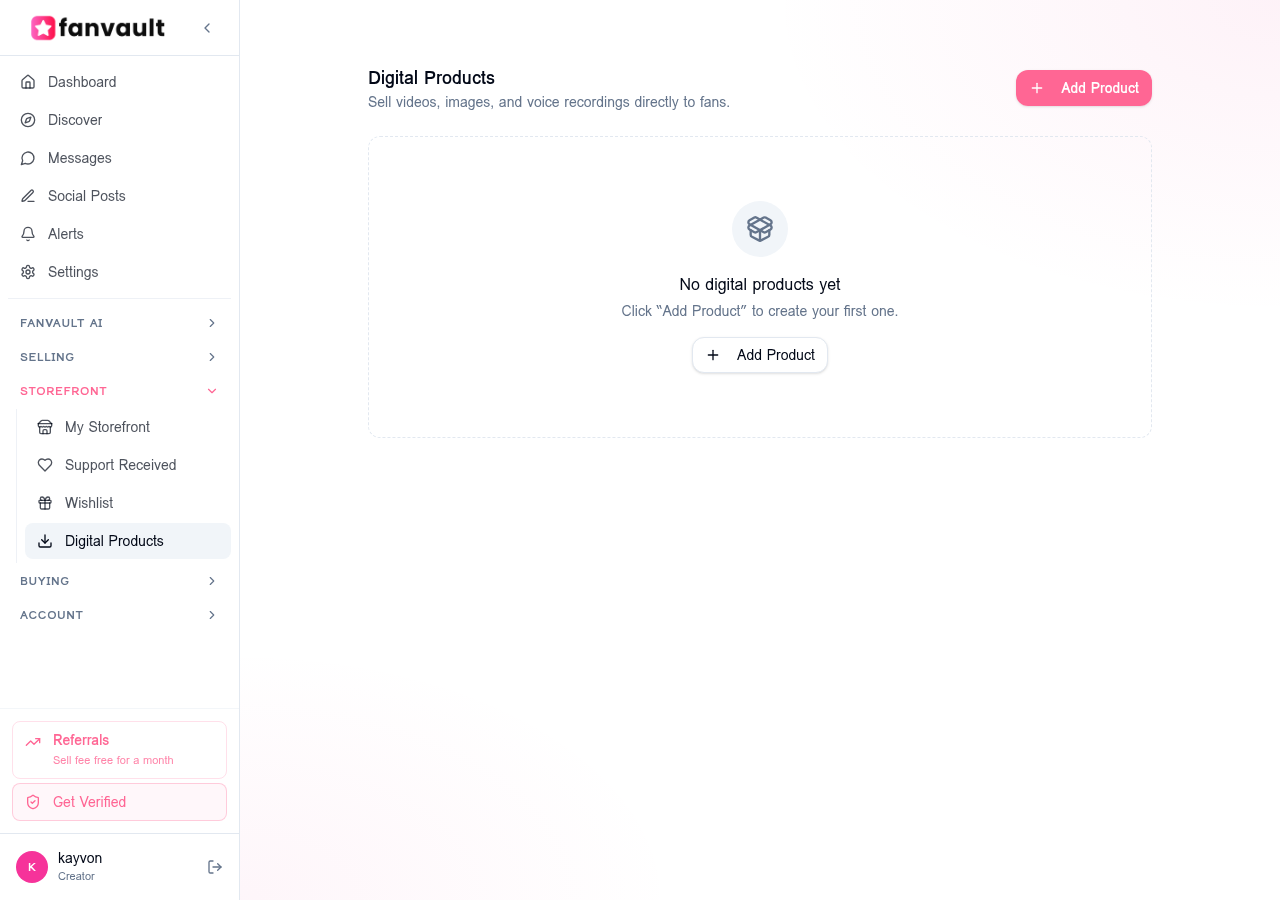
↑ The Digital Products dashboard — your hub for managing all digital content
The creation flow has three quick steps:
Step 1 — Details. Choose your product type (Video, Image, Voice Recording, or Package), give it a title, add an optional description, and set your price in USD. The minimum price is $1.00.
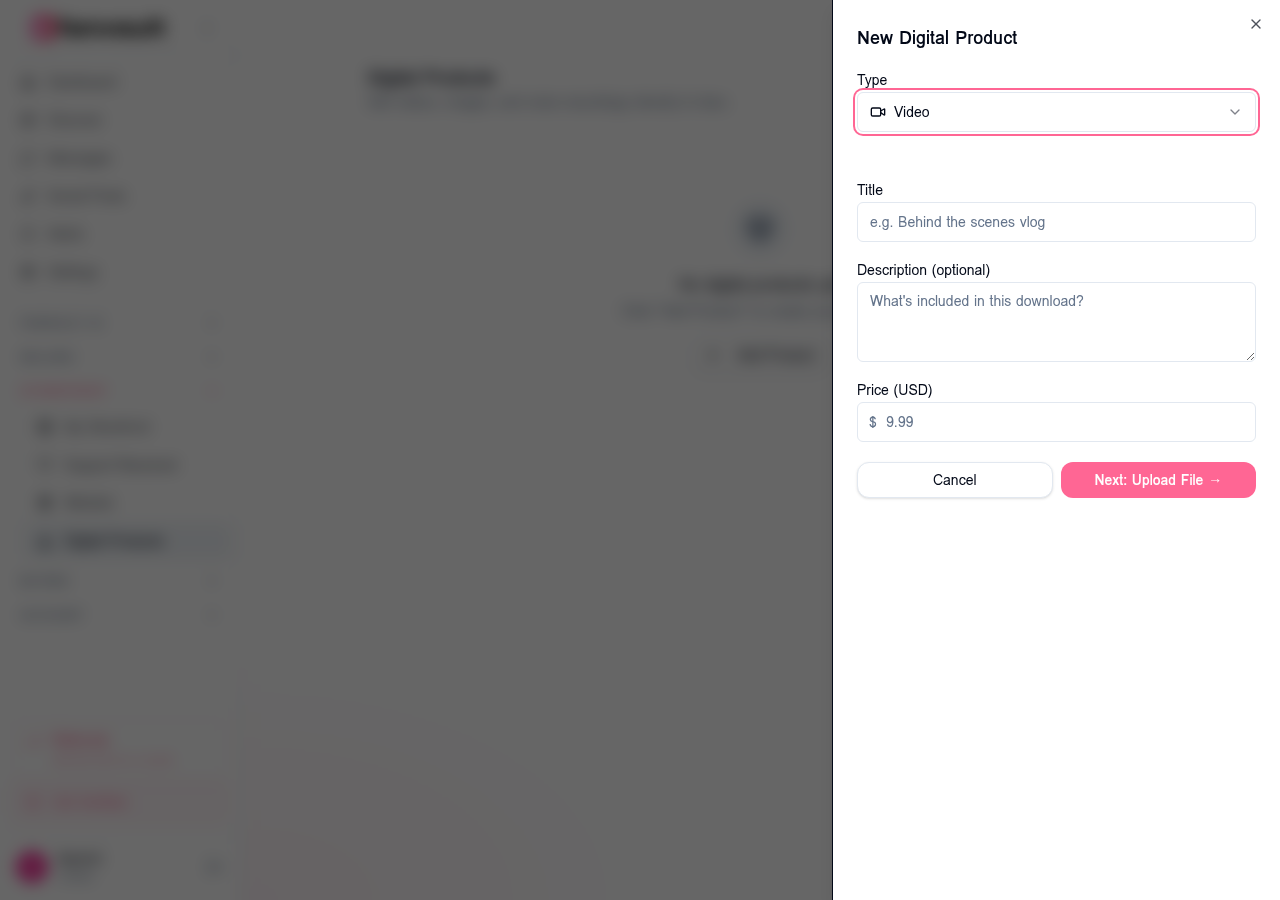
↑ Step 1: Fill in your product details — type, title, description, and price
Step 2 — Upload. Drag and drop or browse to upload your file. Videos accept MP4, MOV, and WebM. Images accept JPEG, PNG, GIF, and WebP. Voice recordings accept MP3, WAV, AAC, and more. Packages can include any file type — perfect for bundling mixed content.
Step 3 — Preview. Upload a preview image that fans see before purchasing. You can toggle blur mode on to tease the content without giving it away — great for exclusive photo sets or behind-the-scenes footage.
How Do Digital Products Appear on Your Storefront?
Once you publish a digital product, a brand-new Digital tab appears on your public creator profile — right alongside your existing Shop and Wishlist tabs. Fans can browse your digital catalog, see preview images, and purchase directly from your storefront.
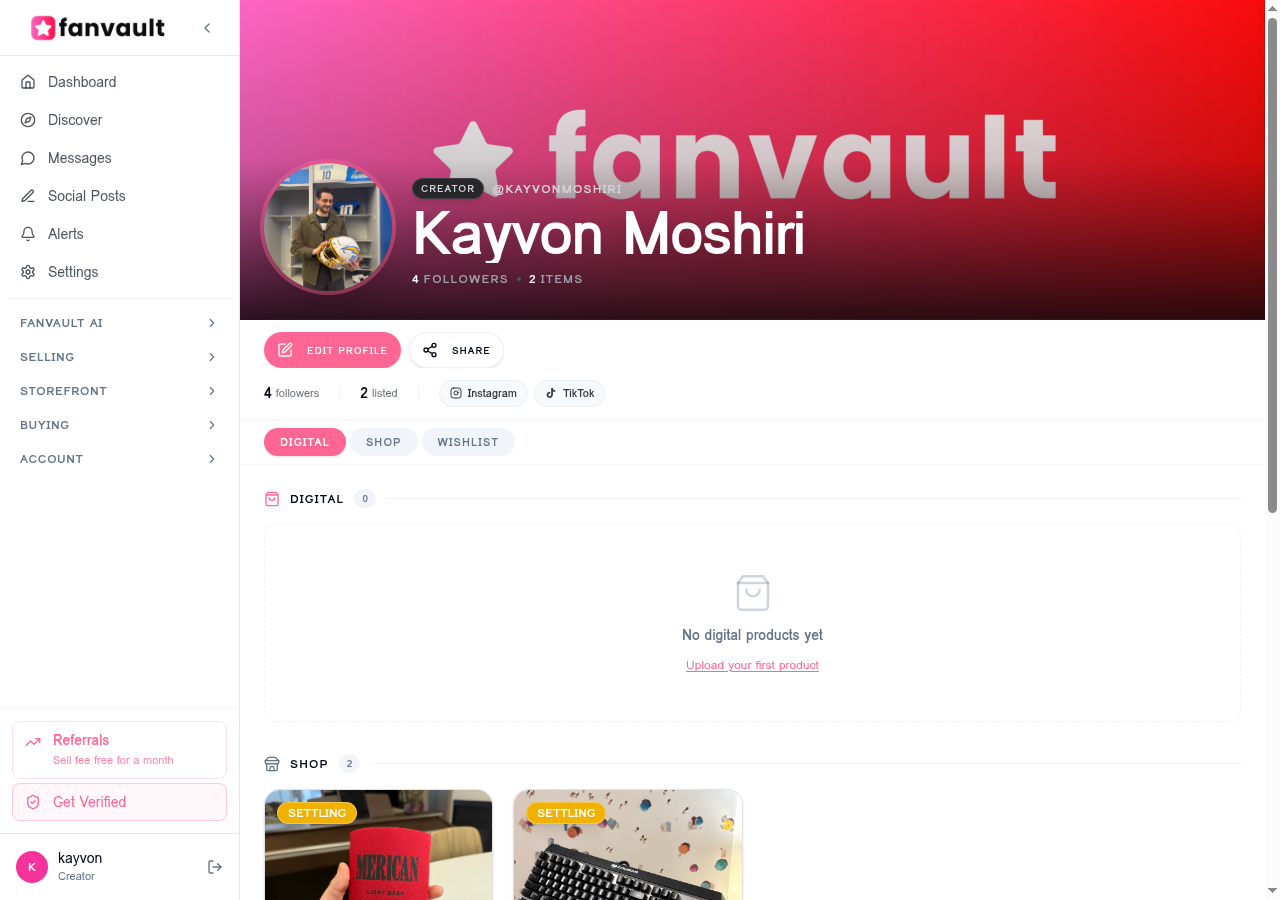
↑ Your storefront now features a dedicated Digital tab for all your downloadable content
Digital products also integrate with your Social Feed posts. You can attach digital product links to feed updates, driving traffic from your social content directly to your product listings.
What Happens After a Fan Buys Your Digital Product?
When a fan purchases your digital product, they get instant access. The file appears permanently in their Digital Library — a dedicated section under the Buying menu in their dashboard. No expiration dates, no download limits.
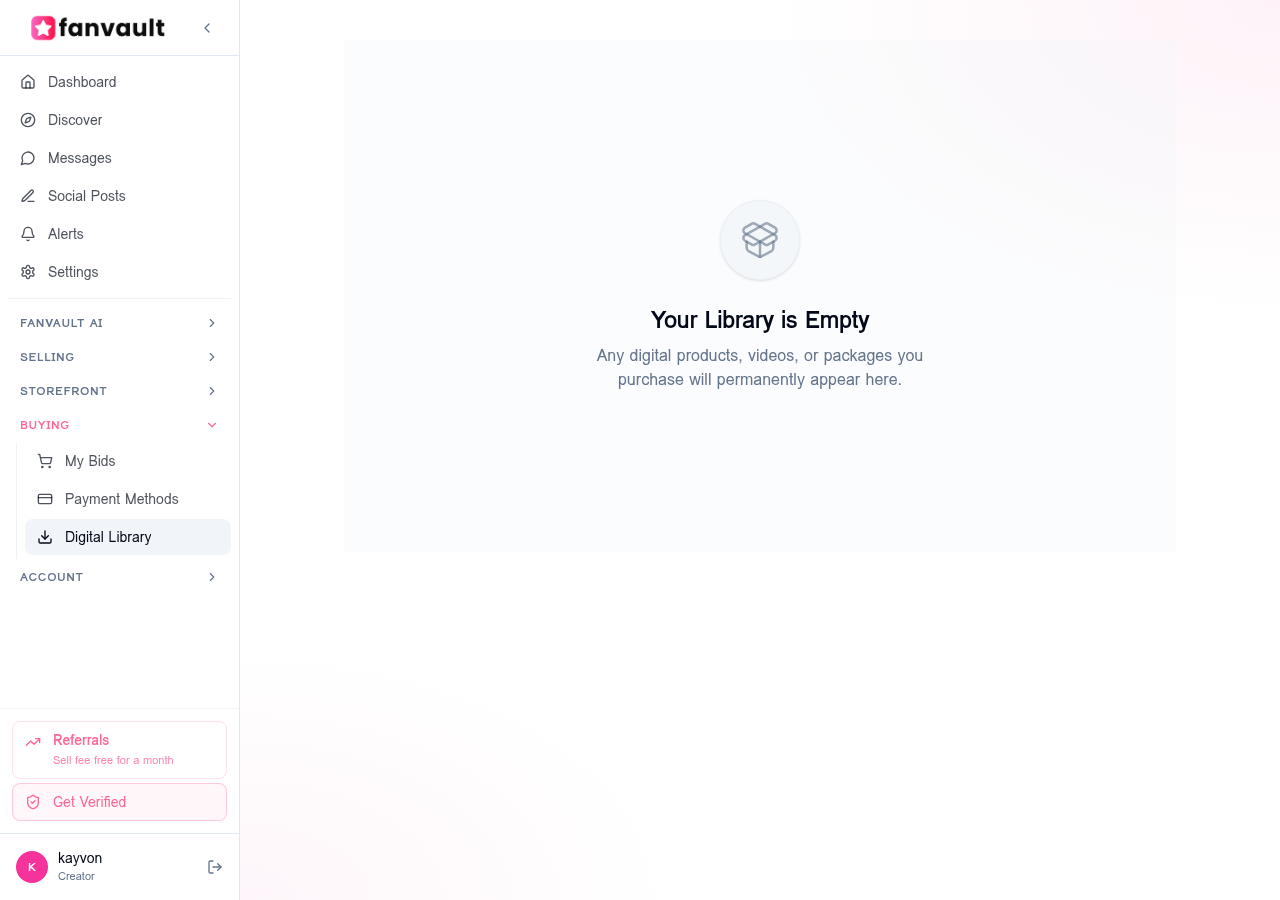
↑ Fans access all their purchases from the Digital Library — always available
Payments are processed through Stripe, so they're secure and instant. Revenue from digital sales shows up in your existing Payouts dashboard alongside auction earnings and tips — one unified view of everything you've earned.
Why Should Creators Start Selling Digital Products?
Digital products unlock a revenue stream that doesn't depend on physical inventory or shipping logistics. You create once and sell unlimited copies — zero marginal cost per sale.
- No shipping hassle. Deliver instantly to fans anywhere in the world.
- Unlimited inventory. Sell the same product to thousands of fans without restocking.
- Higher margins. No packaging, no postage — your revenue is almost entirely profit.
- Bundle flexibility. Mix videos, images, and audio into curated packages at premium prices.
- Always-on income. Products sell 24/7 from your storefront, even while you sleep.
Whether you're a photographer selling exclusive photo sets, a musician offering studio session recordings, or a content creator packaging behind-the-scenes footage — Digital Products on Fanvault give you a direct line to your fans, with no middlemen taking extra cuts.
Frequently Asked Questions
What file types can I upload as a digital product on Fanvault?
Videos support MP4, MOV, and WebM. Images accept JPEG, PNG, GIF, and WebP. Voice recordings accept MP3, WAV, AAC, OGG, and M4A. Packages (bundles) accept any file type, so you can mix and match content formats.
Is there a minimum price for digital products?
Yes — the minimum price is $1.00 USD. You can set any price above that threshold when creating your product.
Can fans download digital products multiple times?
Absolutely. Once a fan purchases your product, it appears permanently in their Digital Library. They can access and download it anytime — no expiration, no limits.
How do I get paid for digital product sales?
Payments process through Stripe, the same system used for auctions and tips. Revenue appears in your Payouts dashboard, and you can withdraw earnings on your regular payout schedule.
Can I sell bundles of mixed content as a single product?
Yes — choose the "Package" type when creating your product. Packages let you upload multiple files of any type, so you can bundle videos, photos, and audio into one premium offering. Fanvault even offers preset templates like "1 Video & 3 Photos" or "8 Photos" to get you started quickly.